
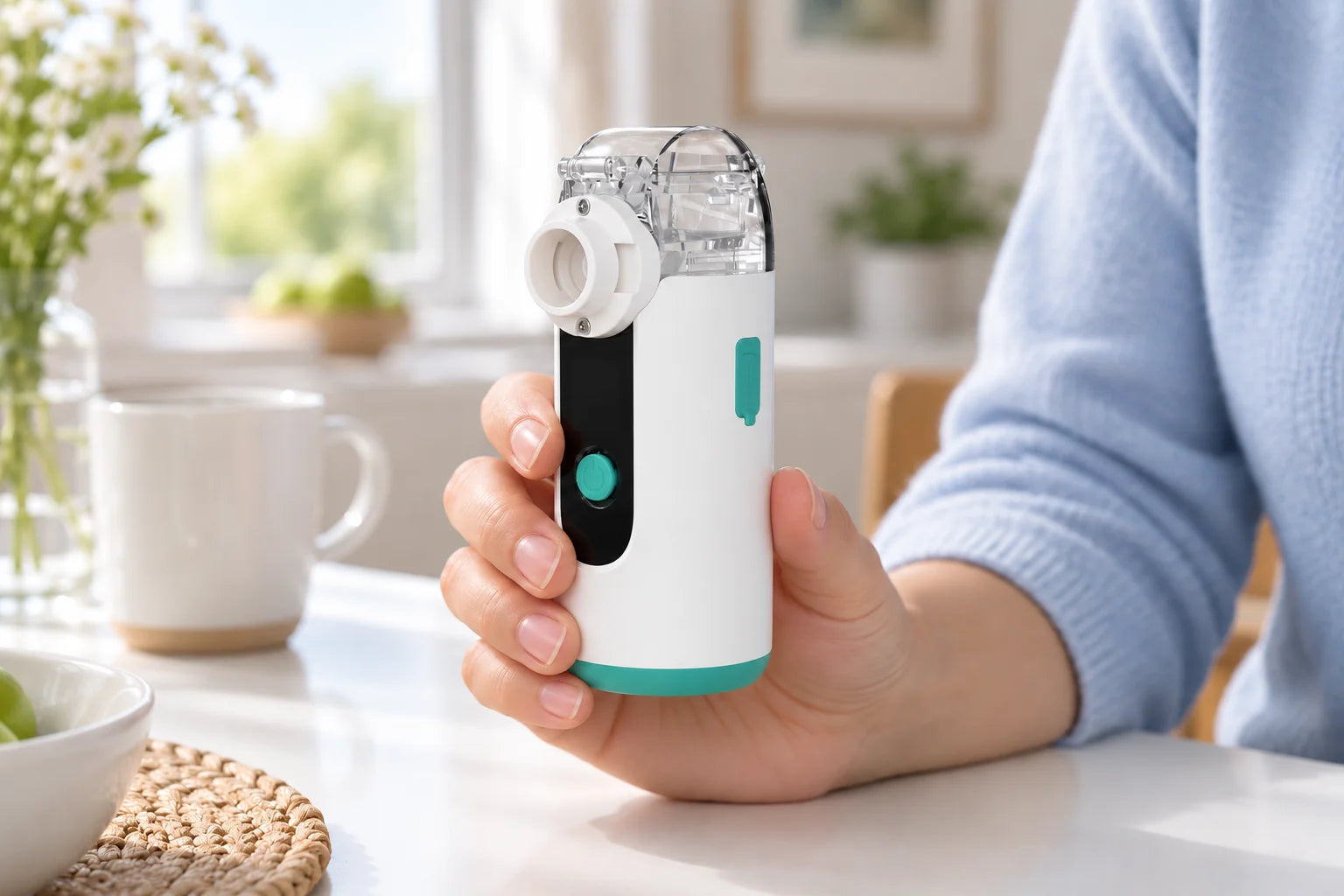
Note whether the device stays powered when the output changes. Record what actually happens before trying to explain the cause.
Which description matches?
| What you observe | What to note |
|---|---|
| Nothing turns on | Use power and charging help. |
| Powered on, no visible mist | Light or display state, sound and whether the device keeps running. |
| Mist starts, then stops | Whether only the mist stops or the whole device switches off; any known elapsed time. |
| Weak or intermittent output | Whether it begins immediately or later, compared with the same device’s usual setup. |
If there is liquid on the body or power connection, use leak guidance first.
Check assembly and operating conditions
- Cup and connections: with the unit switched off as instructed, compare user-removable parts with the assembly diagram.
- Power and mode: record the power arrangement and the selected mode. Do not increase a setting to compensate for weak output.
- Position and limits: check the permitted operating position and marked cup limits in the exact guide.
Some current models list timers or manual mist control. Stopping alone does not prove that a timer ended or explain how a particular control works.
Look at what changed recently
Note a cup or accessory change, recent care, a storage period, or a different power accessory. If you followed a documented check, record whether it made no difference, helped temporarily or resolved the observation.
Do not probe the mesh, force a connection or use stronger cleaning methods as a test. A change after cleaning is useful information, not a confirmed fault diagnosis.
Describe the sequence
“The display remains on but visible mist stops. I first noticed this after storage. I checked the cup connection against the assembly diagram; the behavior did not change.”
Visible mist does not measure the amount of medicine delivered. For an interrupted treatment, use your healthcare professional’s care advice.
Still need help with this issue?
Include these details with your question:
- Exact model
- Whether the device starts and then stops
- Any indicator and the point in the routine when it appears