
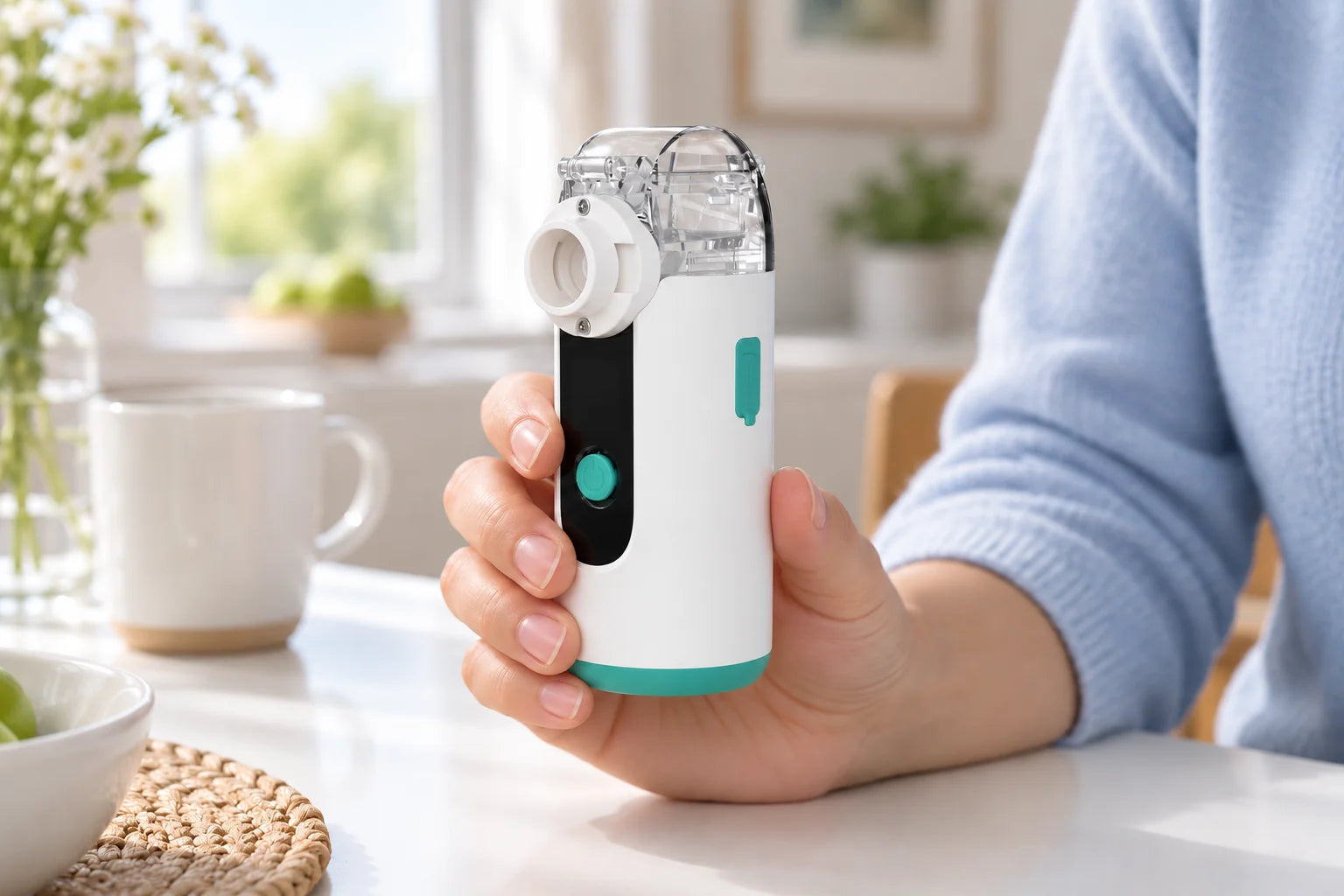
Start with the booklet supplied with your device. The model on the cover or applicability list should match the complete code on the device label.
Check the guide you already have
- Full model and any version suffix.
- Language, edition or revision, if printed.
- Control layout, cup connection and power connection in the diagrams.
A quick-start card may refer to a longer manual. Keep the two together. If a diagram differs from your device, note the page and the exact difference.
Request a missing or readable copy
Use your model page to start a request with the model already selected. Specify whether the whole manual is missing, a page is unreadable, or one instruction needs explaining.
Include the language you need and the full label code. There are no verified PDF downloads in this library yet; the request is for help finding the matching document.
Read the sections you need before setup
| Section | Find these details |
|---|---|
| Before first use | Intended use, warnings, supplied items and first-use preparation. |
| Assembly | User-removable parts and the correct connections. |
| Power and controls | Permitted power source, start/stop method and indicator meanings. |
| Care | Cleaning, disinfection, drying and storage for each component. |
| Troubleshooting | The documented check for the behavior you observe. |
If only one step is unclear, ask about that step with its page number. Keep the whole diagram and nearby warnings visible when enlarging a photo of the page.
Need the matching instructions?
Include these details with your question:
- Full brand and model name
- Any revision or suffix on the label
- The document or step you need